Assistants
Let an AI assistant run errands without your passwords
Short answer
Give an assistant the least access that does the job. Where the service allows it, add them as a delegate so they sign in as themselves, and share a password only when there is no other way.
When a password has to change hands, send it as an Argoned sealed link that opens once and expires on a timer, and send the separate access code another way. Then change the password when the work ends.
Safest first
Start with the safest option the service offers
-
Delegated access
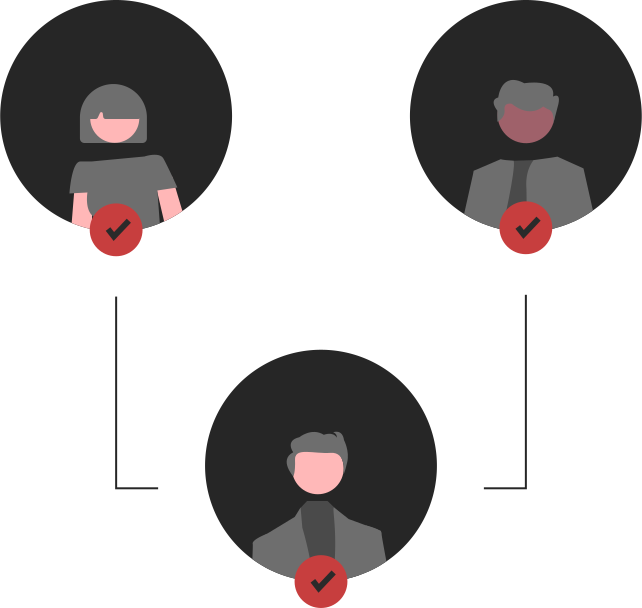
Many email, calendar and accounting services let you add an assistant as a delegate or extra user. They sign in as themselves, and you can remove them later.
-
A separate account
If the service supports team members, create an account for the assistant with only the permissions they need.
-
A shared password, as a last resort
For services with a single shared login, send the password as a sealed link and change it when the work ends.
People and AI
Human assistant, AI assistant, or both
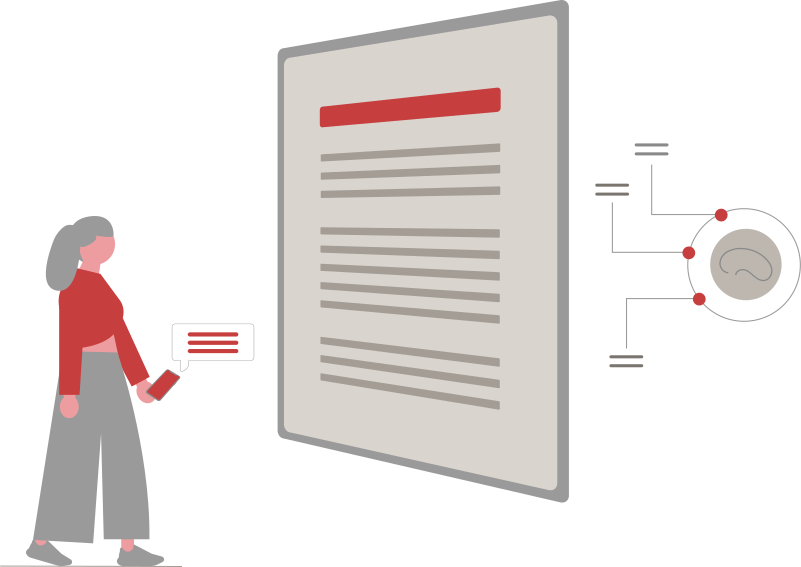
A human assistant may run AI agents for you. The safe pattern is the same: the password goes to the person, sealed, and the person signs in. If their agent has a secure sign-in form, or a take-over mode where they control the browser themselves, they type the password there rather than into the chat.
If you use an AI assistant yourself, sign in first and let it work in the signed-in browser, so the password never enters the conversation.
Checklist
A checklist for sharing passwords with an assistant
- Turn on two-step verification, and decide who receives the sign-in codes.
- Send each password as its own sealed link, and choose the shortest expiry that works (1 hour, 24 hours, 48 hours or 7 days).
- Send the access code by a different route, such as a phone call or another app.
- Keep a simple list of what you shared and when.
- Cancel any sealed links that are no longer needed and have not been opened, under Session → Shared links.
- When the work ends, change the passwords and remove any delegate access.
Limits
What Argoned does not do for assistants yet
- There are no shared vaults or team accounts. Each sealed link moves one credential, once.
- There is no approval step for each use and no history of how a password was used after it was opened.
- Once the assistant has seen a password, only changing it takes the access back.
FAQ
Questions

Should I give my executive assistant my email password?
Not if you can avoid it. Use your email provider’s delegate feature, which gives access without your password and can be removed. Share the password only if there is no other way, and change it afterwards.
How do I share a password with an assistant who uses AI agents?
Send the sealed link to the assistant, not to the agent. The assistant opens it and signs in, using the agent’s secure sign-in form if it has one.
Does the assistant need an Argoned account?
No. Opening a sealed link needs only a web browser and the access code.
How do I take access back?
Cancel unopened sealed links in your vault, under Session → Shared links. For anything already opened, change the password and remove delegate access in the service.
Next
Keep reading
- Share a password securely Send a password to a client, contractor or colleague without email or chat holding it. Encrypted link, separate code, opens once.
- Give Claude access to your accounts, safely Claude in Chrome and your logins.
- Let ChatGPT sign in without pasting your password Sign-in pages in ChatGPT, done safely.
- Encrypted credential sharing for AI agents How a sealed link works, step by step.
- AI agents Five ways to hand over a login, compared.
- Pricing Free: 8 items and sealed sharing with AI agents and people, no card. Pro: £2.99 a month for 512 items and import.
- Security How Argoned encrypts each item and each shared credential in your browser, what our servers store, and what is not protected yet.
Your agent needs a login. Send it sealed.
Seal a login or API key in your browser and send a link instead of the password.
£0 · Free plan, no card needed · Encrypted in your browser